There is no single right megapixel count for a security camera; the real question is how many pixels per metre land on the target at the point the camera has to cover. The same camera can show a face at three metres in enough detail to identify someone, and a person at twenty metres only as "someone is there". So the order is: purpose first (detect, recognise or identify?), then distance and scene width, and only then resolution and lens.
Why megapixels alone mislead
Megapixels describe the total number of pixels on the sensor, but those pixels are spread across the whole scene. A high-resolution camera with a wide lens covering a large courtyard can deliver less facial detail than a lower-resolution camera with a narrow lens aimed only at a doorway. What matters is how many pixels fall on the target.
The usual way to express this is pixel density: the number of horizontal image pixels divided by the width of the scene, in metres, at the target's distance (px/m). A simple worked example: if an image 1920 pixels wide covers a scene 7.68 metres wide, there are 250 pixels per metre on the target. If the same image covers 15 metres, density roughly halves. Higher resolution, a narrower lens or moving the camera closer all raise density.
For background on lenses and field of view, see our encyclopedia entries on the IP camera and line of sight.
What DORI means and where it comes from
DORI stands for Detection, Observation, Recognition and Identification. Today the reference point is the international application guideline IEC 62676-4 (also published in Europe as EN 62676-4), which covers planning, design, installation, testing, commissioning and maintenance of video surveillance systems.
The UK Home Office's CCTV guidance describes what the levels mean in plain terms (Home Office CAST 37/10):
- Identify: enough picture quality and detail to identify an individual beyond reasonable doubt.
- Recognise: viewers can say with a high degree of certainty whether the person shown is someone they have seen before.
- Observe: some characteristic details, such as distinctive clothing, can be seen.
The guidance only describes those three. Detection, as the name suggests, is the lowest step of the scale: the aim is to notice that a person or movement is present, without detail.
That guidance expressed the levels as a share of screen height on an older standard-definition image: the full screen height for identification, half for recognition and a quarter for observation. Because those ratios shift with high-definition images, pixels per metre is now the common measure.
An important change in the 2025 edition
According to the standard's foreword, the first edition (2014) used a system called "MDORII" with six pixel densities, listed as 12.5, 25, 62.5, 125, 250 and 1000 px/m. The second edition, IEC 62676-4:2025, published in October 2025, completely redefined the pixel densities: the new system has seven values (20, 40, 80, 125, 250, 500 and 1500 px/m) and adds new test charts (IEC 62676-4:2025 preview pages).
In practice, writing "DORI compliant" in a specification is not enough. State which edition and which pixel density you mean, and ask suppliers which edition their distance tables were calculated against. Confirm the new edition's category names and values with someone who has the full text.
The right order: purpose, density, lens and distance
- Purpose. Write one sentence per camera, for example "record every face passing the main entrance at identification level" or "detect movement along the perimeter fence". The Home Office guidance warns against installing a camera for one purpose and expecting it to serve another.
- Target position. Find the furthest point at which the person or vehicle will be, and the scene width there.
- Required density. Choose the level that matches the purpose. Pinch points (entrance doors, turnstiles, tills) get high detail; open areas can get overview coverage. The guidance notes that capturing large images at pinch points can make wider, less detailed coverage acceptable elsewhere.
- Resolution and lens. Only now calculate which sensor resolution and focal length deliver that density.
- Recording settings. If live view is sharp but the recording is not, the calculation was wasted. The guidance recommends recorded quality similar to live view, with minimal compression.
What about number plates and faces?
Plates and faces are smaller details than a whole person, so they need higher density. IEC 62676-4:2025 includes, in an annex, pixel density recommendations for recognising non-human objects, as well as test protocols for faces and vehicle registration numbers. Take exact values from the full standard, and if automatic number plate or face recognition software will be used, add that software's own image requirements to the specification.
Night, backlight and weather
Pixel calculations assume good light; real sites do not. The example images in the Home Office guidance show a camera mounted too high, an obstructed view and a strongly backlit subject as typical faults, and note that extra lighting may be needed. IEC 62676-4 also treats illumination as its own topic.
- Night: as light falls, image noise rises and detail disappears in the recording. If you need the same level at night, make lighting part of the plan.
- Backlight: glass-fronted lobbies and sun-facing entrances darken faces. Choose camera position and angle accordingly.
- Motion: fast-moving people or vehicles blur if frame rate and exposure are not suitable.
- Weather: rain, dust and dirty lenses erode long-distance detail first, so cleaning and checks belong in the maintenance plan.
Match the camera plan to guard posts and response
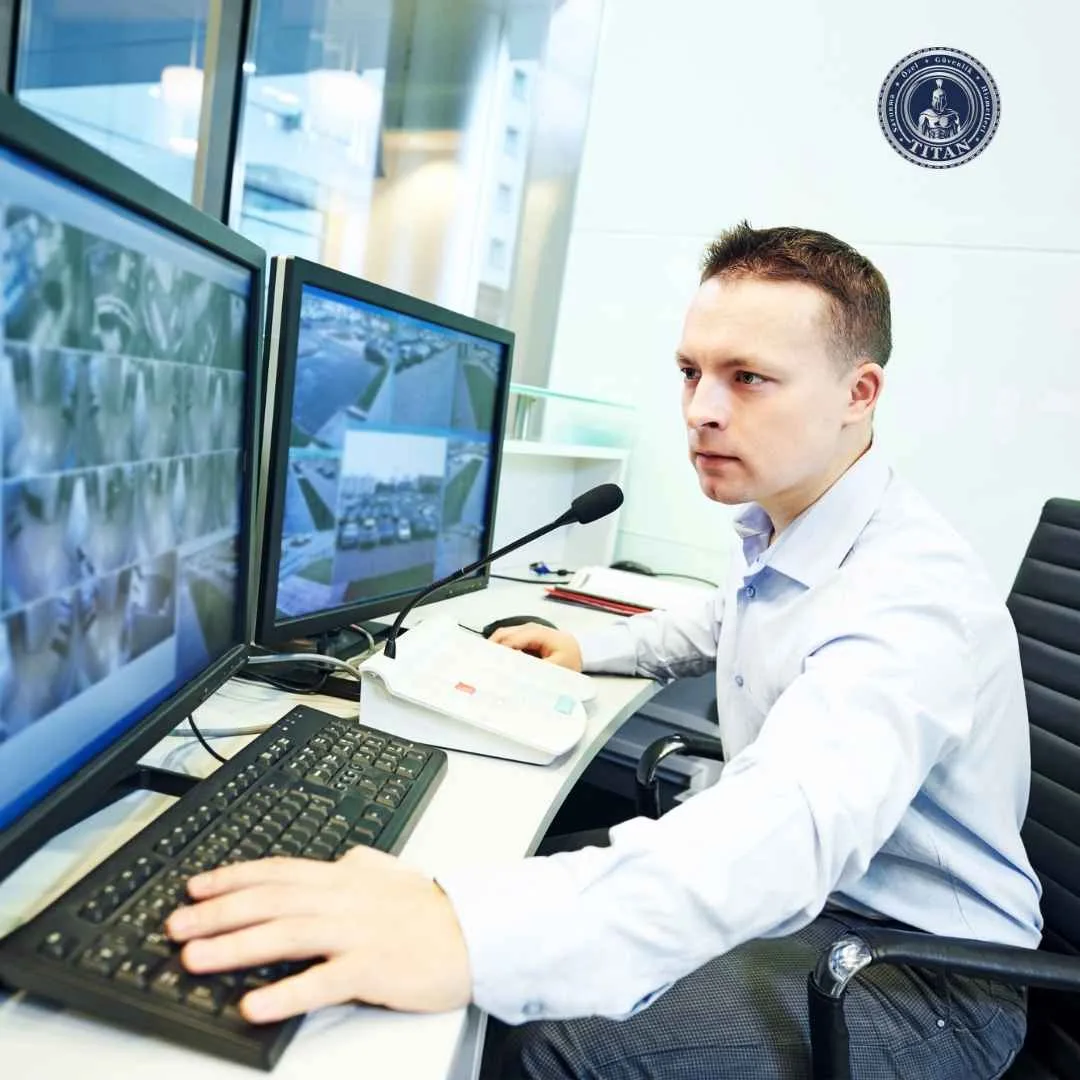
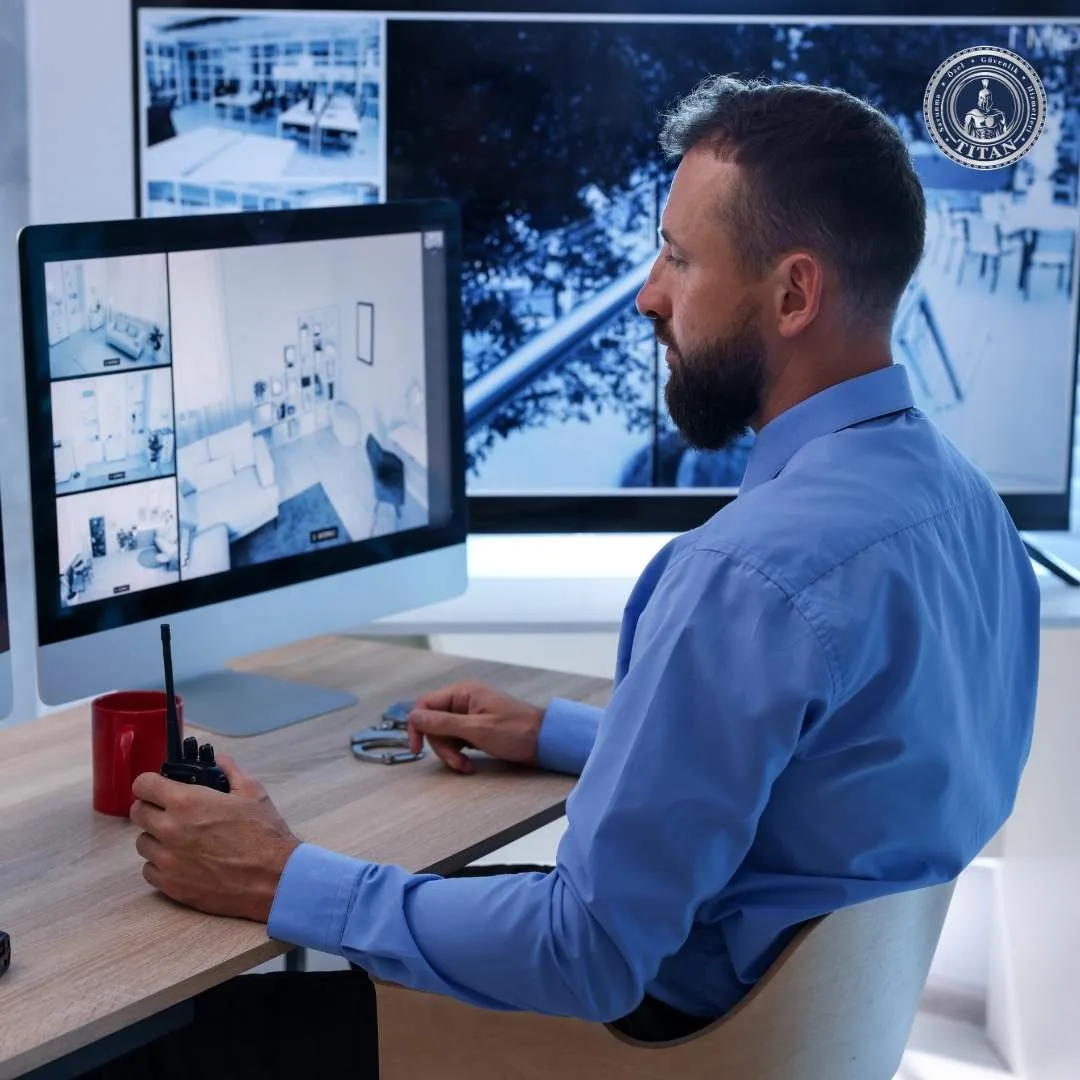
Correct resolution assumes a person will use the image. An identification-level door camera provides evidence after the event; a detection-level fence camera is only useful if someone watches live or verifies the alert. The 2025 edition of IEC 62676-4 lists operational response, operator workload and training as separate items within the operational requirements. So for every camera, also write down:
- Which control room or guard post watches this view?
- Which second camera or which officer verifies a detection-level alert?
- Who goes to the scene, and by which route?
- Who exports incident footage and hands it to the competent authority?
You can turn these questions into duty descriptions with the free security RFP builder.
Checklist: acceptance with test images at handover
- Is each camera's purpose and required level written down?
- Which edition of IEC 62676-4 does the specification reference?
- Is acceptance tested at the furthest target point with a real person or a test chart? (The standard contains test protocols and test charts; the Home Office guidance also recommends audit and commissioning tests that prove the system meets the specified requirement.)
- Is the test viewed both live and from recording, by day and by night?
- Are test images and results added to the handover file?
- Is the system clock correct, with date and time on exported footage?
- Are periodic checks (cleaning, focus, drift in camera angle) in the maintenance plan and in the guard's checklist?
Common mistakes
- Buying every camera at the same resolution and expecting identification from all of them.
- Reading a distance table while ignoring light, angle and recording compression.
- Running acceptance only by day and only on live view.
- Deciding who will watch the images after the cameras are bought.
Conclusion
The answer to "how many megapixels" is what you expect the camera to do. Write the purpose, calculate pixel density at the target, state which edition of the standard you use, and test the system under real conditions at handover. The camera detects and records; trained people watch, verify and respond.
Titan Savunma is an Ankara-based private security company operating under a Ministry of Interior licence granted under Law 5188, with ISO 9001, 14001, 45001, 22301 and 28000 certificates. We work in English and Turkish and plan guarding together with your technology, setting out monitoring, verification and response duties in a written scope with regular reporting. See our office and business centre security page.