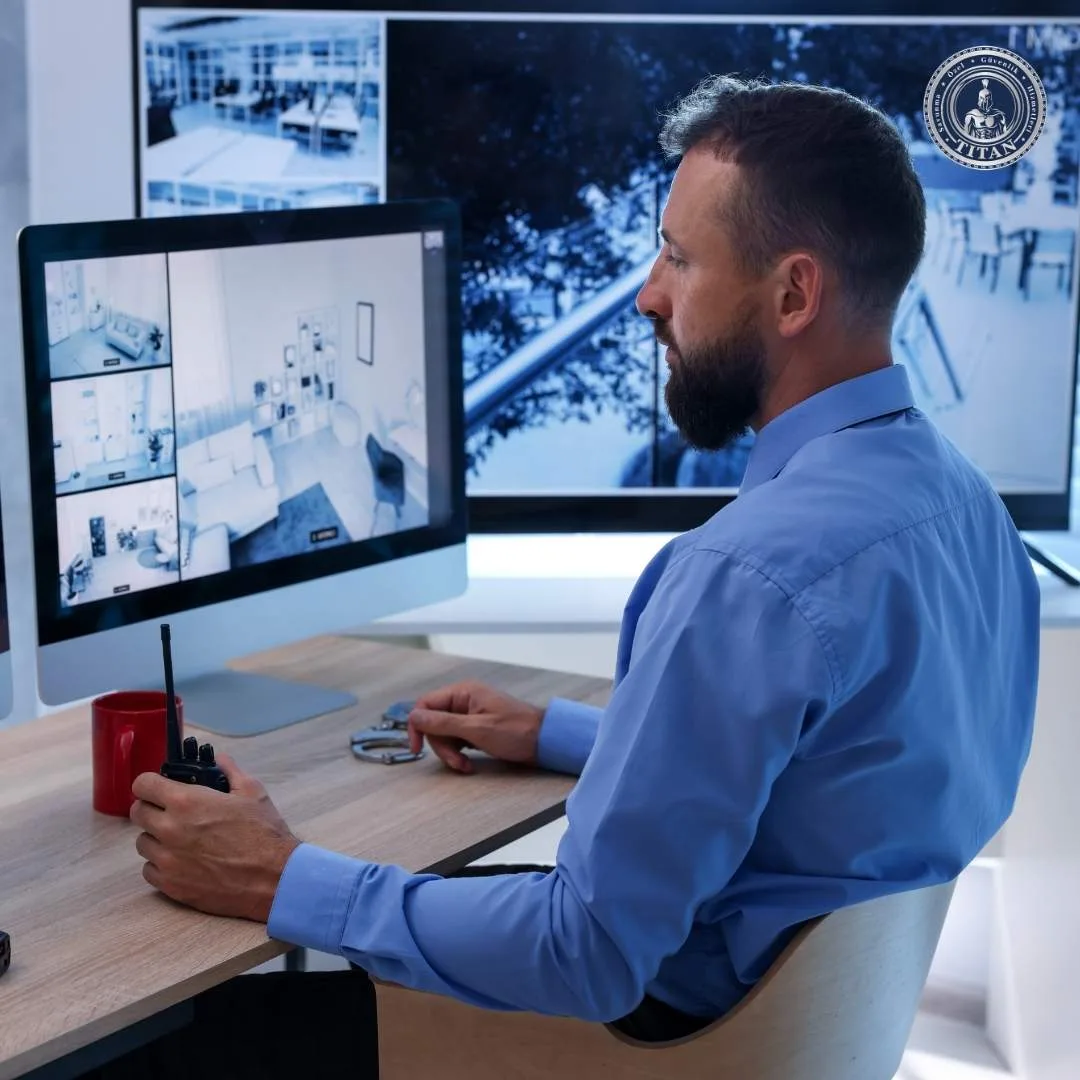
The basis of remote work security is carrying the office's physical protections into the home and the café: screens are positioned so others cannot see them and locked whenever you step away, work papers are kept out of family members' reach, devices are never left unattended in cars or public places, and confidential calls happen where nobody can overhear. The employer's part is to put these rules in writing, explain them and provide the tools to follow them.
VPNs, multi-factor authentication and device management are on IT's agenda. This article focuses on the physical and behavioural side that is often overlooked.
This article is general information, not legal advice.
Where the risks come from
The US National Institute of Standards and Technology's telework guide, NIST SP 800-46 Rev. 2, lists the lack of physical security controls first among telework threats. Telework devices are used in places outside the organisation's control, such as homes, coffee shops, hotels and conferences, and because they are mobile they are more likely to be lost or stolen. The guide advises organisations to assume, when writing policy, that devices will end up in malicious hands. The same section mentions someone looking over a user's shoulder in a coffee shop.
In Turkey, the data protection authority's Personal Data Security Guide similarly notes that breaches often arise from lost or stolen laptops, phones and flash drives, and that employees' personal devices connecting to company networks raise the risk.
Physical security in the home office
Home is more relaxed than the office, which is exactly why attention slips. Practical rules:
- Screen position: do not face the screen towards a door or window others pass. If you work in a shared living space, consider a privacy filter.
- Lock before you leave the desk: even for a coffee. Children should not play games or do homework on the work laptop; a work device is not a family device.
- Papers: work documents are not left open on the dining table; put them in a drawer or lockable box when you finish.
- Printing: keep home printing to a minimum. Printed documents go to a shredder or back to the office, not into the household bin.
- Video calls: make sure whiteboards, wall planners or papers behind you are not on camera, and share only the relevant window.
- Voice calls: do not discuss confidential matters on a balcony or by an open window where guests or neighbours can hear; use a headset where possible.
- Storing the device: at the end of the day keep the laptop out of sight, and do not leave it unattended when guests, builders or repair technicians are in the home.
Cafés, trains and airports: working in public
Public places are harder than a home office. The EU Agency for Cybersecurity, ENISA, advises locking your screen in shared spaces, avoiding open or free networks and encrypting data on local drives against theft or loss. In addition:
- Shoulder surfing: choose a seat with your back to a wall; postponing confidential work until you are somewhere private is the simplest measure.
- Phone calls: client names, prices and personnel matters are not discussed by phone in cafés or on trains. "Let me call you back" is often the safest sentence.
- Never unattended: not even for a quick trip to the toilet.
- Not in the car: leaving a laptop or briefcase in a car, especially in view, invites theft. If you have no choice, put it out of sight in the boot before you arrive, not in the car park.
- Papers: a contract read on public transport can be read by the passenger beside you too.
What Turkey's Remote Working Regulation says
Turkey's Remote Working Regulation, issued by the Ministry of Family, Labour and Social Services under Article 14 of Labour Law No. 4857, was published in the Official Gazette No. 31419 on 10 March 2021. The provisions most relevant to security are:
- Article 11, data protection: the employer informs the remote worker about the workplace's rules on data protection and sharing and the relevant legislation, and takes the measures needed to protect the data. The employer defines the data to be protected, and its scope, in the contract. The remote worker must follow the rules the employer sets to protect data.
- Article 5, written contract: remote working contracts are made in writing and cover the job and how it is done, its duration and place, the work tools provided by the employer and the duties to protect them, and how employer and worker will communicate.
- Article 12, occupational health and safety: the employer informs the remote worker about health and safety measures appropriate to the work, provides the necessary training and health surveillance, and takes the necessary safety measures for equipment it supplies.
In short, the regulation expects the employer to define data protection rules in writing and communicate them. The outline below is designed to fill that gap.
Employer measures under data protection law
Article 12 of Law No. 6698 requires data controllers to take the technical and administrative measures needed to prevent unlawful processing of and access to personal data, wherever that data is handled. From the measures in the KVKK guide, these apply most directly to remote work:
- access authorisation and encryption on devices that hold personal data;
- two-step authentication for remote access to data held in the cloud;
- staff training and awareness activities;
- confidentiality undertakings and suitable clauses in employment contracts;
- periodic or random internal checks.
None of this works unless employees are told clearly and briefly what to do. This is where security culture matters: rules last when people understand the reason, not because they fear sanctions.
A short policy outline
A remote and hybrid work security policy should fit in three or four pages. Suggested headings:
- Scope: who can work remotely, on which days and for which tasks; which work cannot be done remotely.
- Workplace: minimum conditions for a home office (a closed space, screen position) and what must not be done in public places.
- Devices: company device use, rules for personal devices, no use by family members, storage and transport.
- Papers and printing: limits on home printing, disposal and return to the office.
- Calls: confidentiality rules for video and voice calls.
- Connectivity: which networks may be used and the rule for open networks.
- Loss and incident reporting: whom to tell, and how quickly, if a device is lost, a suspicious email arrives or a document goes to the wrong person.
- Office days: shared desks, lockers and visitor routines.
- Communication and acknowledgement: the policy is annexed to the contract and employees sign that they have read it.
Common mistakes
- Treating the policy as technical settings only. The best encryption does not protect an unlocked screen facing a guest.
- Tolerating work on family devices. A shared device blurs who holds the data.
- Making incident reporting hard. Staff afraid to report a loss waste the first hours. Reporting should be quick and blame-free.
- Forgetting office days. In hybrid work, papers and devices travel constantly between home and office, and that journey is often the riskiest moment.
For a quick view of your own exposure, try our free security risk assessment tool.
In a hybrid model the office is half empty on some days and busy on others, so shared desks, visitor routines and access control need to be planned around that rhythm. Titan Savunma is an Ankara-based private security company holding a Ministry of Interior operating licence under Law 5188 and ISO 9001, 14001, 45001, 22301 and 28000 certificates; it works with international companies in English and Turkish, with a written scope and regular reporting. See our office and business centre security page for details.