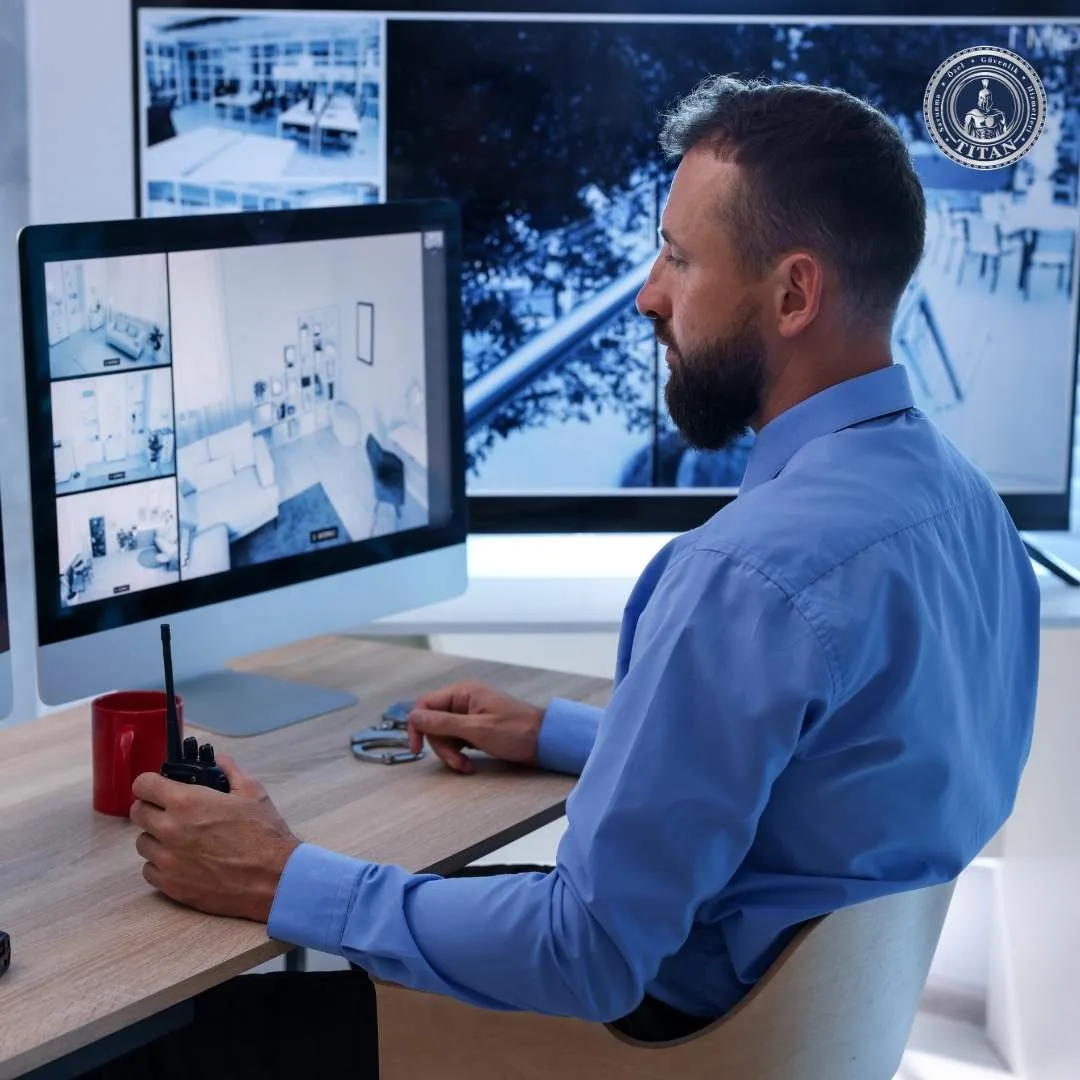
A personal data processing inventory is an internal document showing which personal data your organisation processes in which process, for what purpose and on what legal basis, who receives it, how long it is kept and how it is protected. Security is where these inventories are usually thinnest: cameras, access control, visitor logs, number-plate reading, guard tours and radio recordings create personal data every day, yet often appear as a single line. This article shows how to map security systems into a KVKK inventory, system by system.
This article is general information, not legal advice.
What the inventory is, and how it differs from VERBİS
Turkey's Regulation on the Data Controllers' Registry (Art. 4/1-h) defines the inventory as the document in which a controller links its processing activities, tied to business processes, to purposes and legal grounds, data categories, recipient groups and data subject groups, and sets out the maximum retention period, data planned to be transferred abroad and the security measures taken (KVKK — Regulation on the Data Controllers' Registry). Under the same Regulation, controllers that must register are obliged to prepare an inventory, and the information they file with the Registry is based on it.
The Authority's guide to preparing a personal data processing inventory (in Turkish) explains three differences:
- Detail: VERBİS, the online registry, takes category-level headings only; the inventory goes down to each process and activity.
- Publicity: VERBİS entries can be viewed by anyone; the inventory stays inside the organisation, but must be produced if the Board asks and is used to answer data subject requests.
- Form: VERBİS has fixed screens; the inventory has no prescribed format and can be a spreadsheet or a database.
The guide lists the minimum content (data category, purpose and legal ground, recipients, data subject groups, maximum retention, data to be transferred abroad, technical and administrative measures) and notes that controllers may add fields such as department, process name, data source, storage location and who outside the unit has access.
Who must register in VERBİS?
Article 16 of Law No. 6698 requires persons processing personal data to register with the Data Controllers' Registry before processing starts, while allowing the Board to create exemptions using objective criteria (Law No. 6698). According to the Board's public announcement of 12 January 2026:
- Controllers with fewer than 50 employees a year and an annual balance-sheet total below the Board's threshold, whose main activity is not processing special categories of data, are exempt (Decision 2018/87 as amended).
- Decision 2025/1572 (4 September 2025) also exempts controllers whose main activity is processing special-category data if they have fewer than 10 employees a year and stay under a separate balance-sheet threshold.
- Decision 2025/2393 (25 December 2025) clarifies that both criteria apply to balance-sheet-basis bookkeepers, while only the employee count applies to others.
Thresholds change, so always read the current figure in the announcement itself. The exemption concerns registration only; the announcements do not exempt anyone from other duties. Registered controllers must report changes to their registry entry through VERBİS within seven days (Regulation, Art. 13). Adding a camera zone, a plate-reading lane or a cloud visitor system is therefore not "just a technical project".
A system-by-system inventory table
The guide recommends working process by process and unit by unit. For the security function, that means treating each system as its own activity. The table below is a starting draft; the legal ground column should be completed by your legal team or adviser.
| System | Typical personal data | Data subjects | Key inventory question |
|---|---|---|---|
| CCTV | Images, time, camera location; audio if recorded | Employees, visitors, suppliers, passers-by | Which camera serves which purpose; how long is footage kept; who watches and who can export? |
| Access control | Name, card number, photo, door and time of passage; biometric data if used | Employees, contractors, long-term visitors | Is passage data reused outside security (e.g. time and attendance)? Is biometric data involved? |
| Visitor log | Name, company, host, times in and out, vehicle; ID details if collected | Visitors, couriers, service staff | Which fields are truly needed; how long are books or software records kept? |
| Plate recognition | Plate, vehicle image, time, lane or gate | Staff, visitor and supplier vehicles | How long are unrecognised plates kept; who manages the allow list? |
| Guard tour system | Officer name, checkpoint, time, location if used | Security officers | Is the data drifting into performance monitoring; who sees the reports? |
| Radio and occurrence logs | Voice recordings, call times, users; names and incident details in the log | Officers, people involved in incidents | Are radio calls recorded; who can open the occurrence log? |
If access control uses biometrics, flag that row: Article 6 of the Law treats biometric data as a special category and subjects it to strict conditions, so additional safeguards belong in the inventory too.
Filling in the CCTV row properly
The Authority's public announcement of 8 June 2026 on workplace security cameras gives points you can carry straight into the inventory: define the purpose in advance and specifically; do not use cameras for attendance or performance monitoring; never place cameras in private areas such as toilets, changing rooms, prayer rooms or rest areas; keep footage for as short a time as possible with automatic deletion; when an incident happens, keep only the relevant recording; limit access to authorised people under written procedures. Cameras recording audio should not be used unless the legal ground and necessity are clearly established.
Writing each camera group (perimeter, entrances, warehouse, cash office, car park) as its own row makes the purpose of each camera visible. Our encyclopedia entry on CCTV recordings and KVKK covers the basics.
The link to your retention and destruction policy
The "maximum retention" column connects to another document. Under the Regulation on the Deletion, Destruction or Anonymisation of Personal Data, controllers that must register prepare a retention and destruction policy consistent with the inventory (Art. 5); periodic destruction intervals may never exceed six months, and records of deletion operations are kept for at least three years (KVKK — Deletion Regulation). The overwrite period on the video recorder, the log retention setting in the access control software and the archive schedule for visitor books should match what the inventory says.
Data shared with security providers
Much security data is touched by people outside the organisation: guards from a security company use the monitoring screens, a guard-tour application may store data on the provider's server, a maintenance contractor connects remotely. The Law states that when another person processes data on the controller's behalf, the controller is jointly responsible with them for the security measures (Art. 12/2). The "recipients" and "access outside the unit" fields should therefore answer:
- Which provider reaches which system, live or recorded, on site or remotely?
- Does the provider store data on its own systems, and if so where and for how long?
- Can officers export footage; who approves it and where is that logged?
- Do the contract and the post orders set these limits in writing?
Deciding roles (controller or processor) is a separate legal assessment; the inventory's job is to make every access visible.
Who builds it and keeps it current?
The guide suggests a team drawn from legal, IT and HR, a full analysis of data and data flow diagrams, privacy notices written from the inventory, and staff training. Put the security manager and a site supervisor on that team: they know where each camera really points, what actually gets written in the visitor book and which screen is open in front of whom on the night shift.
A short checklist:
- List every security system and paper record, including the "small" ones such as key logs and radio recordings.
- For each, write the data fields, data subjects and purpose.
- Compare the stated retention with the actual device setting.
- Record everyone with access, including providers, and their role.
- Flag systems hosted abroad or accessed from abroad.
- Update the inventory when systems, camera zones or providers change, and file VERBİS changes on time if you are registered.
Our free CCTV privacy self-check gives a quick view of the camera side, and the encyclopedia entry on Law No. 6698 summarises the framework.
Common mistakes
- One line for all of security ("physical security — CCTV"), hiding access control, plates and guard tours.
- A retention period in the inventory that differs from the recorder's real setting.
- Not noticing that security data has drifted into other uses such as attendance or performance.
- Leaving out the provider's remote access and the data it holds on its own servers.
Systems record, people govern
Systems generate data automatically; trained people decide which recording is set aside, to whom it is handed over and what is deleted after an incident. On site, the inventory's counterpart is the post orders: who sees the monitoring screen, who approves an export, what is asked of visitors, whom to call when a request comes in. Keeping those orders current matters as much as writing the inventory.
Titan Savunma is an Ankara-based private security company operating under a Ministry of Interior licence issued under Law 5188, certified to ISO 9001, 14001, 45001, 22301 and 28000, and working with international companies in English and Turkish. We plan guarding together with your technology and set out in a written scope, with regular reporting, which systems our officers use and with what permissions, so the "who has access" line in your inventory is never vague. See our office and business centre security page for details.
Sources and Further Reading
- KVKK — Kişisel Veri İşleme Envanteri Hazırlama Rehberi
- KVKK — Veri Sorumluları Sicili Hakkında Yönetmelik
- KVKK — 2025/1572 sayılı Kararın Uygulama Esaslarına İlişkin Kamuoyu Duyurusu (12 Ocak 2026)
- KVKK — İş Yerlerinde Güvenlik Kamerası Sistemi Kullanımına Dair Kamuoyu Duyurusu (8 Haziran 2026)
- KVKK — Kişisel Verilerin Silinmesi, Yok Edilmesi veya Anonim Hale Getirilmesi Hakkında Yönetmelik
- Mevzuat Bilgi Sistemi — 6698 sayılı Kişisel Verilerin Korunması Kanunu