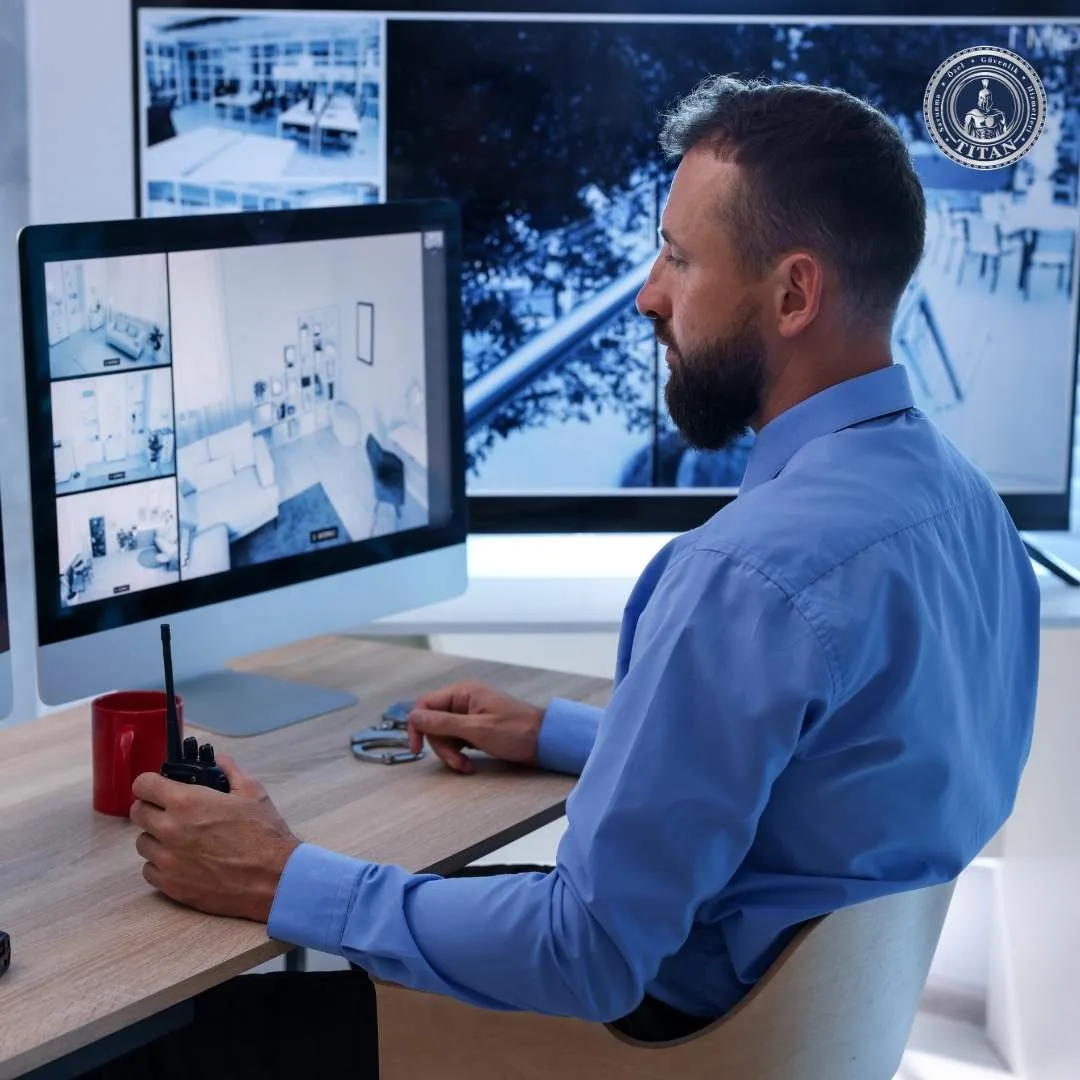
The time to replace a security system is shown by symptoms more than by the calendar: when the manufacturer no longer issues security updates, faults become frequent and spare parts scarce, the system cannot work with new needs or other systems, and images or records fail to give the information needed at the moment of an incident, it is time to plan renewal. There is no single "replace every so many years" rule; the right question is whether the system still answers your risks today. This article covers the signs, a phased renewal plan and how to keep security intact during the changeover.
Technical life and end of support
For networked security devices (IP cameras, recorders, access control panels, management software) the real limit is usually not hardware failure but the end of support. ETSI EN 303 645, Europe's baseline cyber security standard for consumer IoT, defines the "defined support period" as the minimum length of time for which a manufacturer will provide security updates, and requires manufacturers to publish it clearly. For devices that cannot be updated, it recommends that they be isolable and their hardware replaceable, with the period and method of hardware replacement support published clearly to the user. The standard is written for consumer products, but its questions are just as useful for corporate buyers.
NIST's IR 8259B likewise lists expected lifespan and term of support among the information manufacturers should document, and calls for procedures to notify customers of new vulnerabilities and fixes throughout the support lifecycle. In April 2026 NIST updated the parent document as IR 8259 Rev. 1; the message is unchanged: manufacturers should give customers the information that reduces their security burden.
In practice, for each device class in your system you should know the answer to "until when will security updates come?" If the answer is "unknown" or "long ago", that device is a candidate for the top of the renewal list.
Operational warning signs
People on site often notice the need first. Look for these in occurrence logs and maintenance records:
- More frequent, longer faults: the same camera or door fails repeatedly; repairs wait for parts, or second-hand parts are being sought.
- Recordings missing when needed: footage requested after an incident was never recorded, was lost to a disk failure, or retention was shortened because capacity ran out.
- Images not fit for purpose: a camera shows that someone arrived but not who; a plate or face needs to be read and cannot be. If needs have changed, the old system may not meet the new purpose.
- False alarms wearing operators down: frequent unexplained alarms can lead operators to stop taking real alarms seriously.
- Integration impossible: an access event cannot call up a camera, the fire interface is managed by hand, a new building cannot be added.
- Knowledge held by one person: only one technician understands the system, as-built documents are lost, the administrator password is uncertain.
- Compliance gaps: personal data measures such as automatic deletion, per-user access or export logs cannot be implemented.
None of these alone means "replace now", but several together justify a reassessment, usually starting with the recording infrastructure.
Cyber risk: devices that can no longer be updated
An unsupported device can keep working, but newly discovered vulnerabilities will no longer be fixed. Because cameras and recorders sit on the corporate network, this is IT's risk as much as security's. Until replacement, defensive options are limited and should be planned with the IT team: keep the devices on a separate network segment, remove internet exposure, disable unused services and log access. ETSI's recommendation that non-updatable devices be isolable and replaceable supports this approach. These are temporary mitigations; they do not make an unsupported device a permanent solution.
A phased renewal plan
Replacing everything overnight is rarely possible, for budget or operational reasons. A phased plan follows these steps:
- Inventory: list each device's type, location, software version and end-of-support date; flag unknowns.
- Risk ranking: what happens if this device fails or is compromised? Perimeter and critical doors, the main recording system and the control room usually come first. The idea of residual risk helps you write down which risks you accept temporarily.
- Rewrite the requirement: instead of copying the old system, define today's operational requirement: what each camera must show, which scenario each door must handle, who monitors what.
- Pilot and parallel running: install the new system in one area first; run it alongside the old one for a while and gather officers' feedback.
- Old recordings: plan how footage on old recorders stays accessible until its retention period ends, then how devices and disks are destroyed with a record.
- Acceptance and training: each phase closes with an acceptance test against the operational requirement; officers are trained on new screens and scenarios, and post orders are updated.
Before budget season, this inventory and ranking turn the decision from "the technology feels old" into a reasoned investment case. Our free security risk assessment tool offers a starting point for prioritising.
Compensating measures during the changeover
The riskiest moment is the gap between removing the old system and accepting the new one. People close that gap:
- Temporary posts or more frequent patrols in areas whose cameras are offline.
- Officer control and a manual entry log at doors whose card readers are out of service, with written instructions on keeping the door secured.
- Regular physical checks, recorded in the occurrence log, while alarm zones are disabled.
- Where fire and emergency interfaces change, testing and supervision with the site's fire safety lead.
- A briefing at the start of every shift on which devices are out of service today.
Tie these measures to the installation schedule: which area is removed on which day, when it is accepted, and when the compensating measure is withdrawn.
Common mistakes
- Thinking about renewal only after a failure, and not tracking end-of-support dates.
- Carrying the old system's weaknesses into the new one instead of rewriting the requirement.
- Leaving officers out of acceptance testing and training.
- Not planning for the changeover gap.
- Forgetting the recordings on old disks, and their destruction.
Technology detects; people verify and respond
A new system can bring sharper images, smarter alerts and better integration, but trained people still verify the alarm, go to the scene and make the decision. A renewal project succeeds when the operator at the screen and the officer on site know exactly what to do with the new system.
Titan Savunma is an Ankara-based private security company operating under a Ministry of Interior licence issued under Law 5188, certified to ISO 9001, 14001, 45001, 22301 and 28000, and working with international companies in English and Turkish. We plan guarding together with your technology and set out, in a written scope with regular reporting, the monitoring, verification and response plan that covers the renewal gap with temporary posts and patrols. See our factory security page for details.